Image Generation
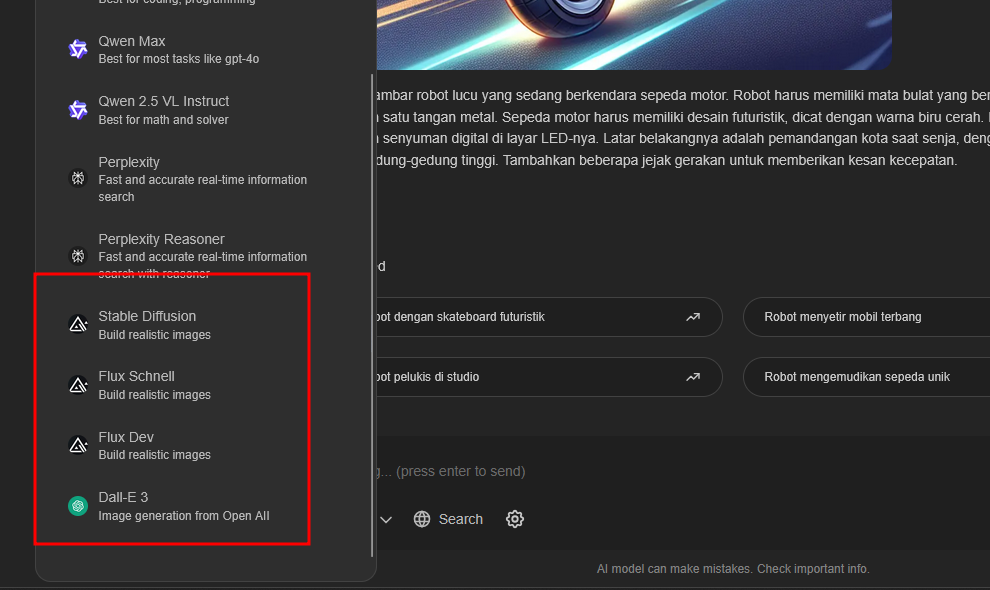
MisterAI provides several image generation models that you can use:
- Dall-E 3 - OpenAI's advanced image generation model
- Flux Dev - High-quality open-source model
- Flux Schnell - Fast version of Flux model
- Stable Diffusion - Popular open-source image generation model
When using the Smart model, it will automatically use Dall-E 3 by default.
Creating Images
You can generate images using either the Smart model or by selecting a specific image generation model.
Using Smart Model
- Select the Smart model (default selection)
- Enter your image generation prompt
- Submit the request
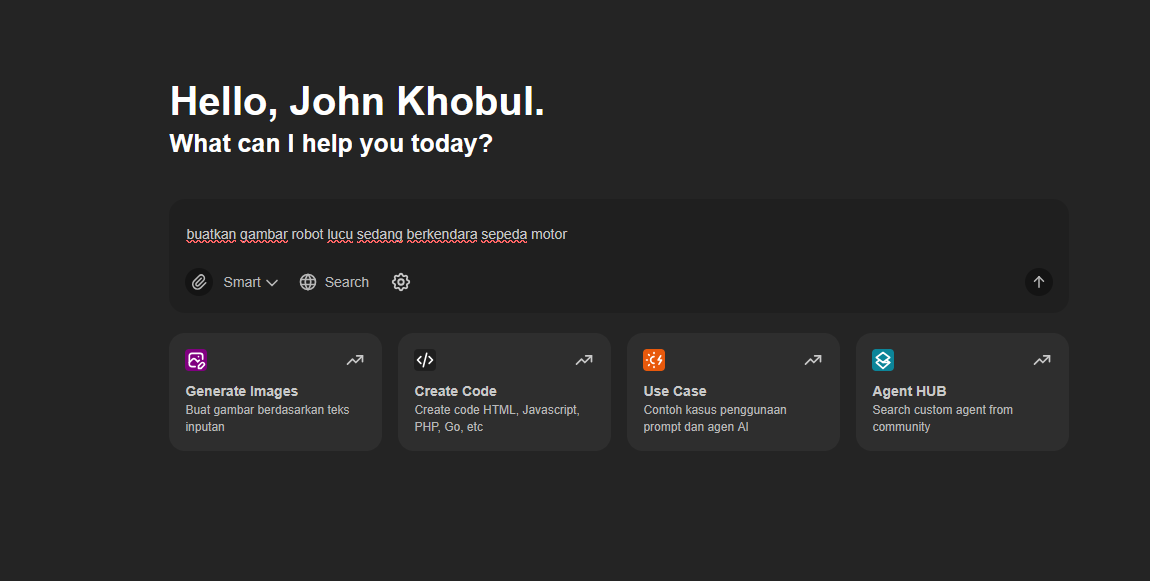
If successful, the system will display the generated image based on your prompt:
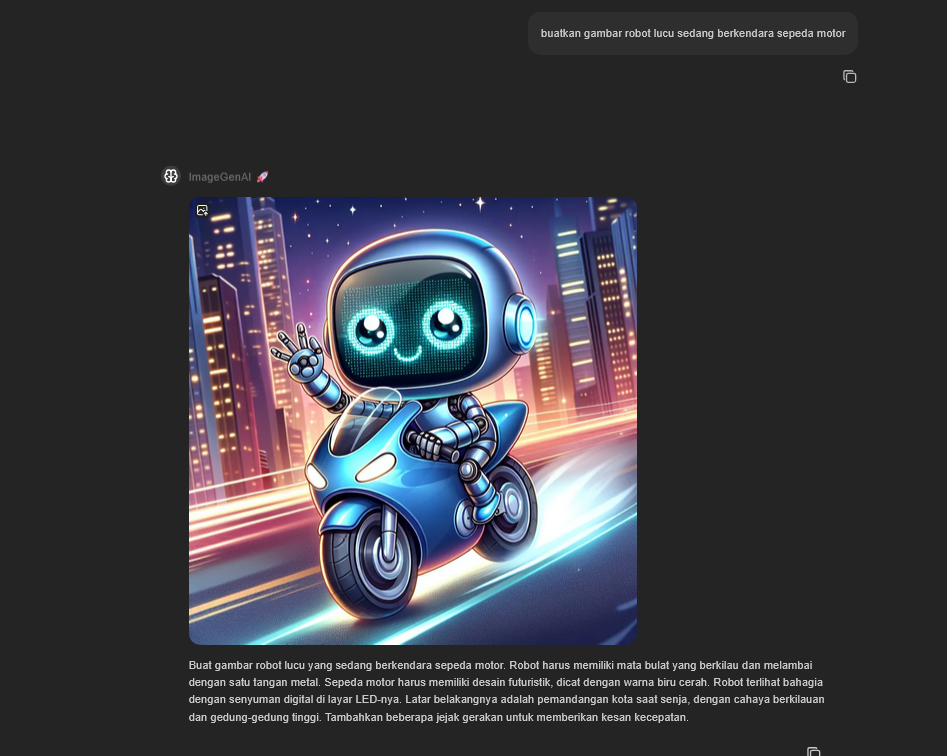
Using Specific Models
To use a specific image generation model:
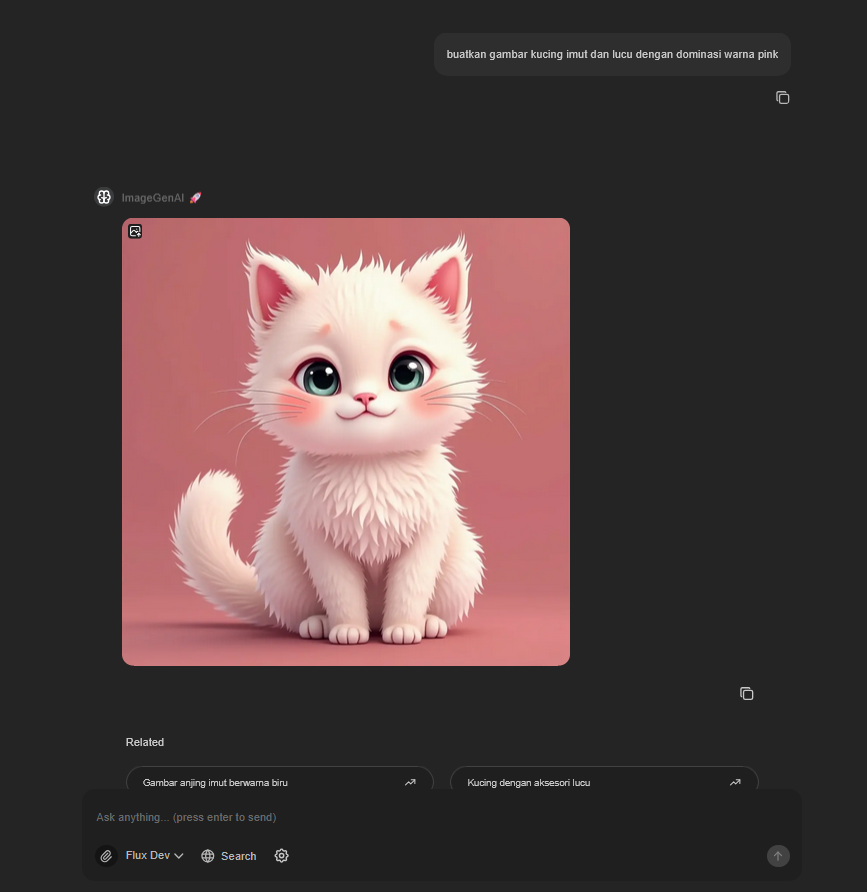
- Select the specific model from the model dropdown
- Choose from available image generation models
- Enter your prompt and submit
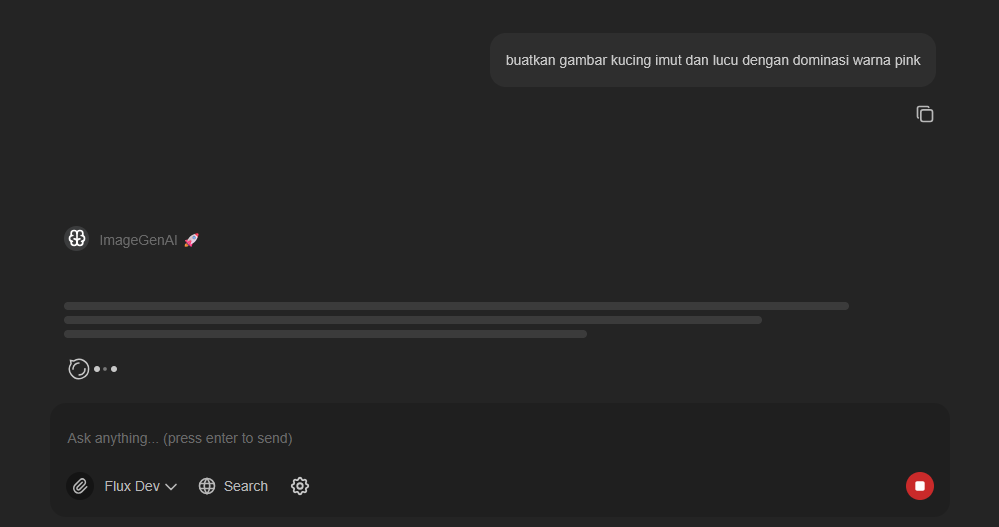
If successful, the system will display the generated image:
Best Practices
- Be descriptive: Provide detailed descriptions for better results
- Specify style: Mention artistic styles if desired (photorealistic, cartoon, etc.)
- Include details: Add specific elements, colors, and composition preferences
- Use proper formatting: Write clear, concise prompts
Troubleshooting
If image generation fails:
- Check your internet connection
- Ensure the selected model is available
- Try a different prompt or model
- Verify that image generation features are enabled